Turn your long video into captioned shorts.
Upload a podcast, lesson, interview or stream. AI finds the best parts, cuts them vertical and adds animated captions.
Upload your videoPlans from $9 a month. Every clip is cut from your own footage. Nothing is generated.
Pick a style. The preview changes right away.
Turn on as many as you like, then set when each one runs.
Turn an effect on to set its timing
This is the wide video. The red frame is your short.
3 clips found by AIIn a 47 minute video. Sample footage and scores.
A finished short, straight from the editor.
One part of a long music video, cut vertical, captioned and finished in VideoShort. Turn the sound on to hear it.
Sample result. The footage is AI-made sample material. The cut, the captions and the framing were made in VideoShort.
AI finds the best parts and shows you why.
It reads the words, watches the picture and measures the sound. Each clip gets a score for hook, energy and speech, and ends at the end of a spoken line.
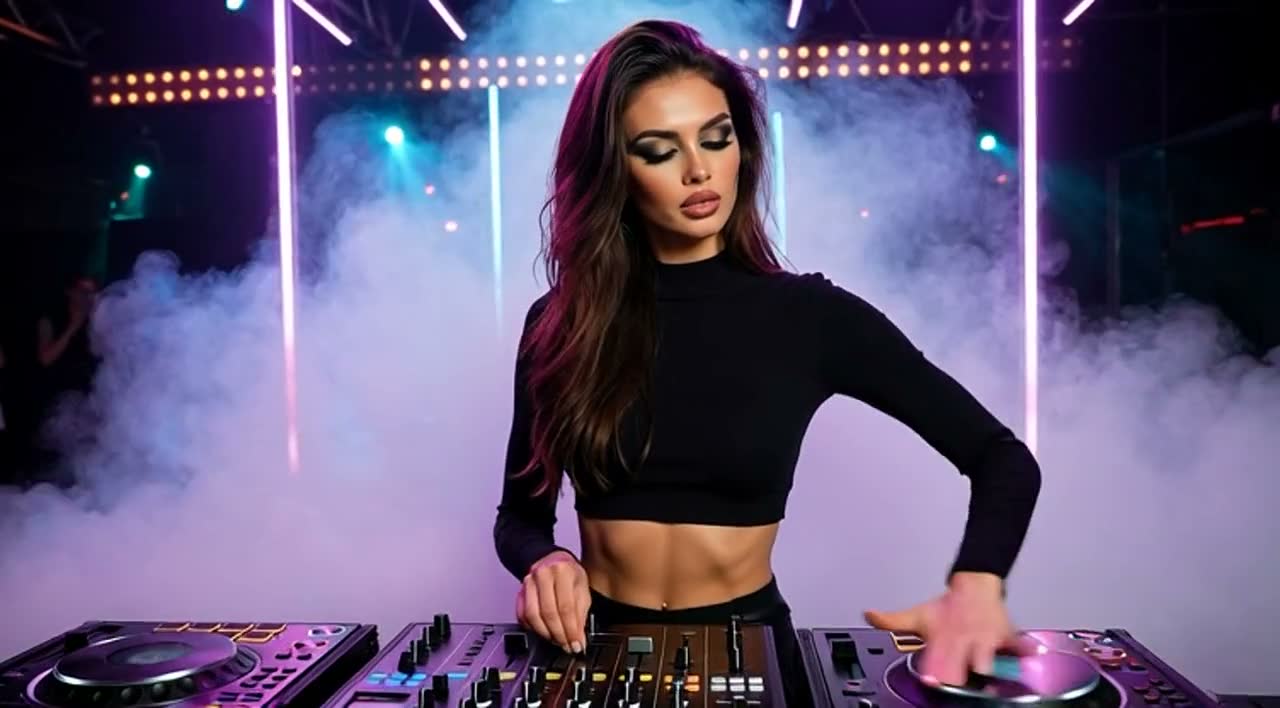
Turn the lights down low
Clip 1, 12:04 to 12:38
Hook91Energy84Speech62
Why the rover stops at night
Clip 2, 18:47 to 19:22
Hook78Energy41Speech96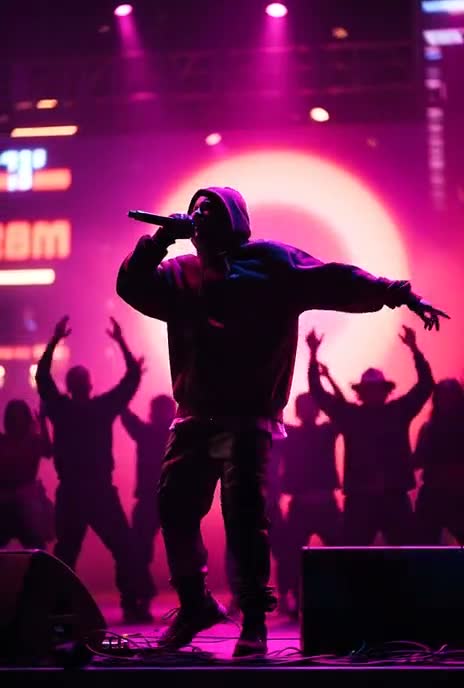
Sing it back to me
Clip 3, 33:10 to 33:52
Hook74Energy88Speech58
Sample result. The footage on this page is AI-made sample material. VideoShort never generates video, and your clips come only from what you upload. Scores rank clips inside your video. They don’t predict views.
Keep as many parts as you like. Each part becomes one short, and captions are optional.
Wrong word? Type over it.
Names and fast singing can trip up any transcript, so every word is editable. Pick a word on this line and try it. The caption on the clip changes as soon as you save.
The transcript heard “no” where the singer sang “know”.
Your subject stays in the frame.
A vertical short only has room for the middle third of a wide video. Follow the subject keeps your speaker inside it.
Big video? It stays on your computer.
Your browser reads the sound and sends only that. After you choose your clips, it sends just those parts. There is no long upload to wait for.
Stays on your computer7 GB
Sound sent to VideoShort5 MB
From our own test with a 21 minute, 7 GB file, where the sound was ready in 44 seconds. The bars are to scale, with the red line drawn thicker so you can see it. This works on a computer for videos over 100 MB. On a phone, videos upload as usual, up to 500 MB. For videos kept on your computer, the clip finder works from the words and the sound, not the picture.
Write your goal. Get a plan and a calendar.
Your growth plan is written from your goal and your posting history. The calendar keeps each short on a day and reminds you with a sound.
Example plan. Yours comes from your own goal and history, and it can’t promise views or followers.
November 2026
PlannedPosted
Example calendar. You post each short yourself, then mark it as posted. Reminders play while VideoShort is open in your browser.
Pick how many clips you need.
Paying yearly costs 10 months’ price.
Creator
Daily posting across platforms
300 clips a month
About 10 a day, 6.3¢ a clip
$19/mo
Choose CreatorIn every plan
- AI clip finding, or cut it yourself
- Speech and sung lyrics transcribed
- Hook, energy and speech scores
- Word-by-word caption correction
- 31 animated caption styles
- 18 video effects in Effect Studio
- Follow the subject framing
- Brand text with animation
- Timeline editor
- Posting calendar with reminders
- AI growth plan for your goal
Questions
Something else? Write to hello@videoshort.ai.
Does VideoShort generate video?
No. Every clip is cut from the video you upload. It never creates footage. The only things added are the captions, text and effects you choose.
Can I choose the parts myself?
Yes. After you upload, choose “I’ll cut it myself”, mark the start and end of each part and keep as many as you like. Captions are optional, and each part becomes one short.
Which files can I upload?
MP4, MOV, MKV, WEBM and more. On a computer, large videos stay with you and only the sound and the parts you choose are sent. On a phone, videos go up to 500 MB.
Can I paste a YouTube or other link instead?
Not yet. The video has to be uploaded from your device.
Which languages does it work with?
Captions are transcribed in the language spoken or sung in the video. Translation into another language isn’t available yet.
Does it work on music, or only on speech?
Both. Sung lyrics get word timing just as speech does. An instrumental passage has no words to caption and will score low on speech.
How accurate are the captions?
Transcripts can contain mistakes, especially with names, noise or fast singing. Pick the wrong word in the preview, correct it and save.
Does the crop follow the speaker’s face?
Yes. Choose Follow the subject and the crop follows faces. With no face, it follows what moves. You can also keep it centred or choose the position by hand.
Will VideoShort post to my channels?
No. You post each short yourself, then mark it as posted in the calendar.
Does a high score mean a clip will do well?
No. Scores describe the clip itself: how it opens, how much is happening and how much is said. They help you choose what to review first.
What does the yearly plan cost?
10 months’ price for 12 months: $90 for Starter, $190 for Creator and $390 for Pro. See Refunds and cancellation for how cancelling works.